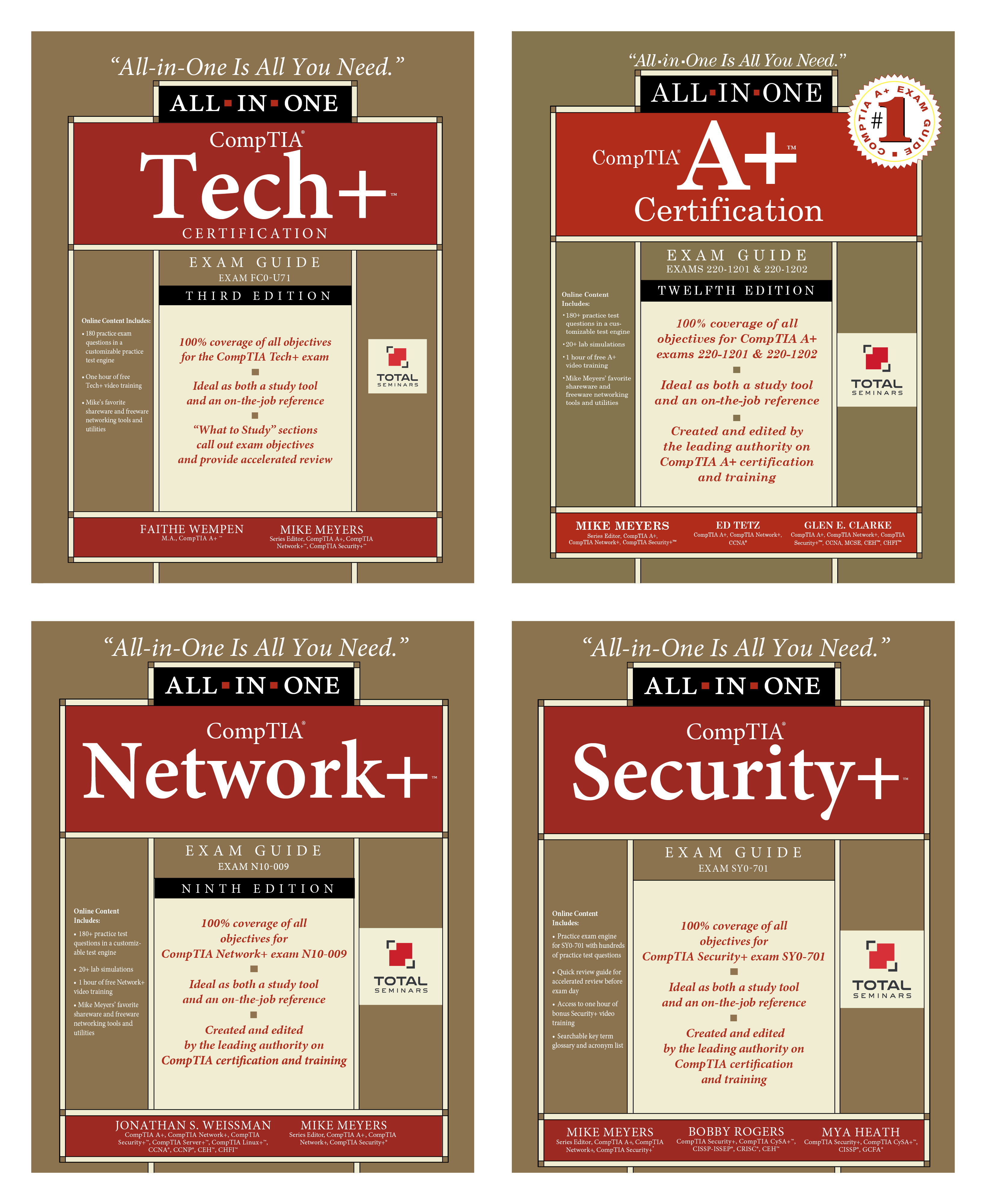
CompTIA Exams Available Online with OnVUE
CompTIA offers their exams delivered online 24/7. Beginning April 15, 2020 CompTIA began delivering their exams using VUE’s online testing platform, called OnVUE.
All existing vouchers are good either at a VUE testing center or online through OnVUE. The OnVUE platform uses live proctors and AI to monitor your test. There are only three simple requirements:
- Quiet, private location
- Reliable device with a webcam
- Strong reliable internet connection.
Exams will be available in various languages, but proctors speak English only.
NOTE: OnVUE requires your system to install their software. Be sure you have permission to install software on your system.
To get started purchase a Discount Voucher to save on the cost of the exam. Then go to the OnVUE web site to schedule your exam. There are three steps:
- Run a system test. Make sure you do this well ahead of scheduling or taking the exam. This will confirm that your system will work properly during the online exam. Be sure to run your test on the same network and computer you will use on exam day.
- Schedule your exam. Create or Login to your account to schedule an OnVUE exam. After you’ve selected the exam you want to take, choose the “home or office” option. Follow the remaining prompts to complete the scheduling process. Once you have successfully scheduled your exam appointment, you will be sent a confirmation email that will provide you with your appointment details and important things to know for your exam.
- Take your online exam. When it is time to take your exam, login to your account to begin the exam.